Print Air Waybill
How to Print AWBs
To print orders AWBs you can use the following endpoint:
POST
https://app.bosta.co/api/v2
/deliveries/mass-awb
- Payload Example:
{
  // tracking Numbers
  "trackingNumbers": "77873113,77873114",
  "requestedAwbType": "A4", // accepts "A6" and "A4"
  "lang": "ar" // accepts "ar" and "en"
}
Important Note
- You are free to send either tracking numbers or delivery ids in the request.
- please note that if you send ids and trackingNumbers in the same request payload we will ignore the ids.
- Make Sure you are only sending orders that are printable (CRP, Cash Collection, and finished orders are not printable)
- For the AWB types A4 represents the original AWB and A6 represents the Zebra AWB
You can print up to 1000 AWBs at a time
If you request 50 or fewer AWBs, the response will be a base64 encoded pdf file. However, if you request more than 50 AWB. you will receive the following response
{
  "success": true,
  "message": "AirwayBill will be exported to your email!"
}
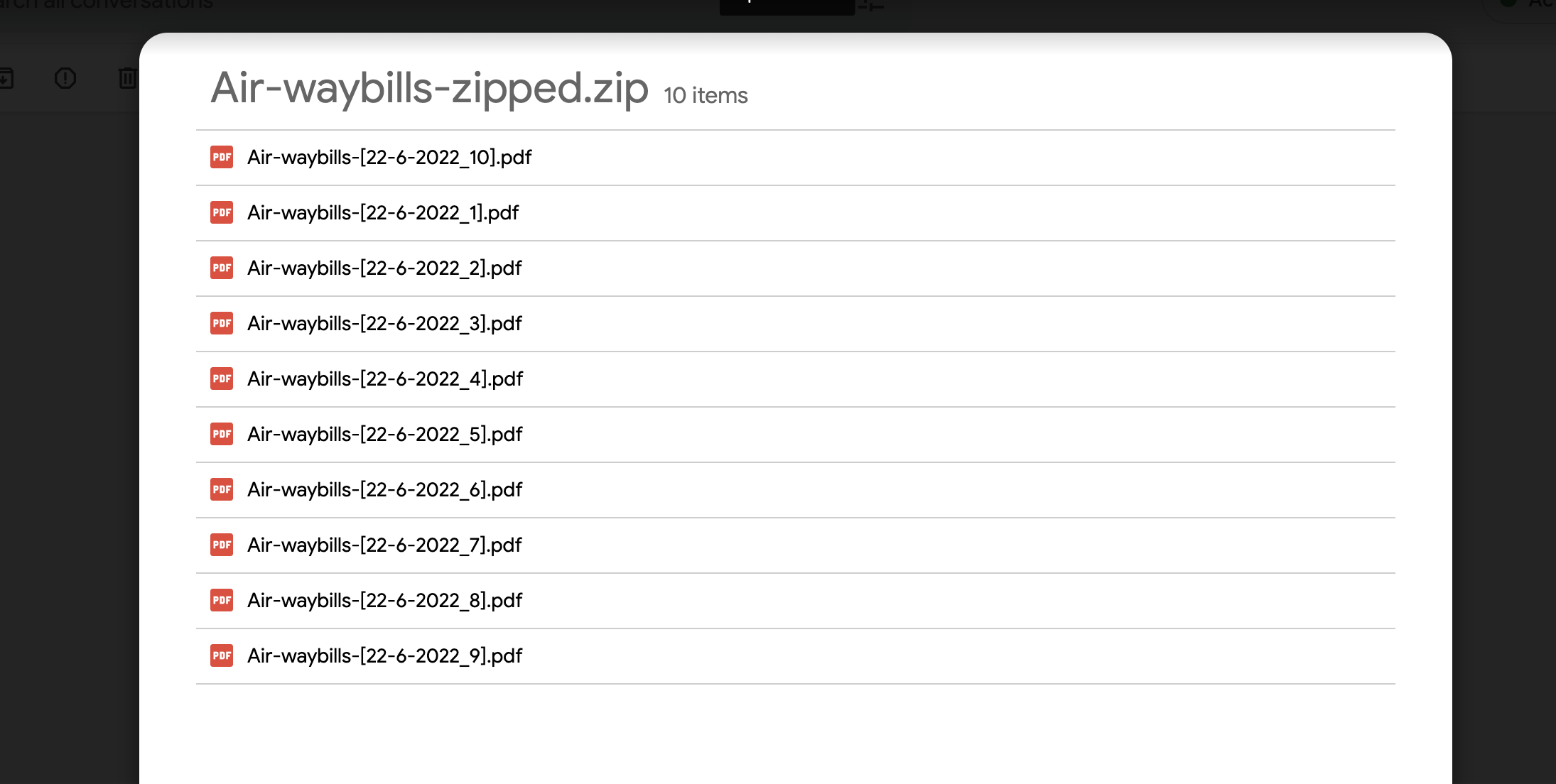
Afterwhile you will receive an email (on the mail your registered with) containing a zip file as in the image below each file containing 100 AWB