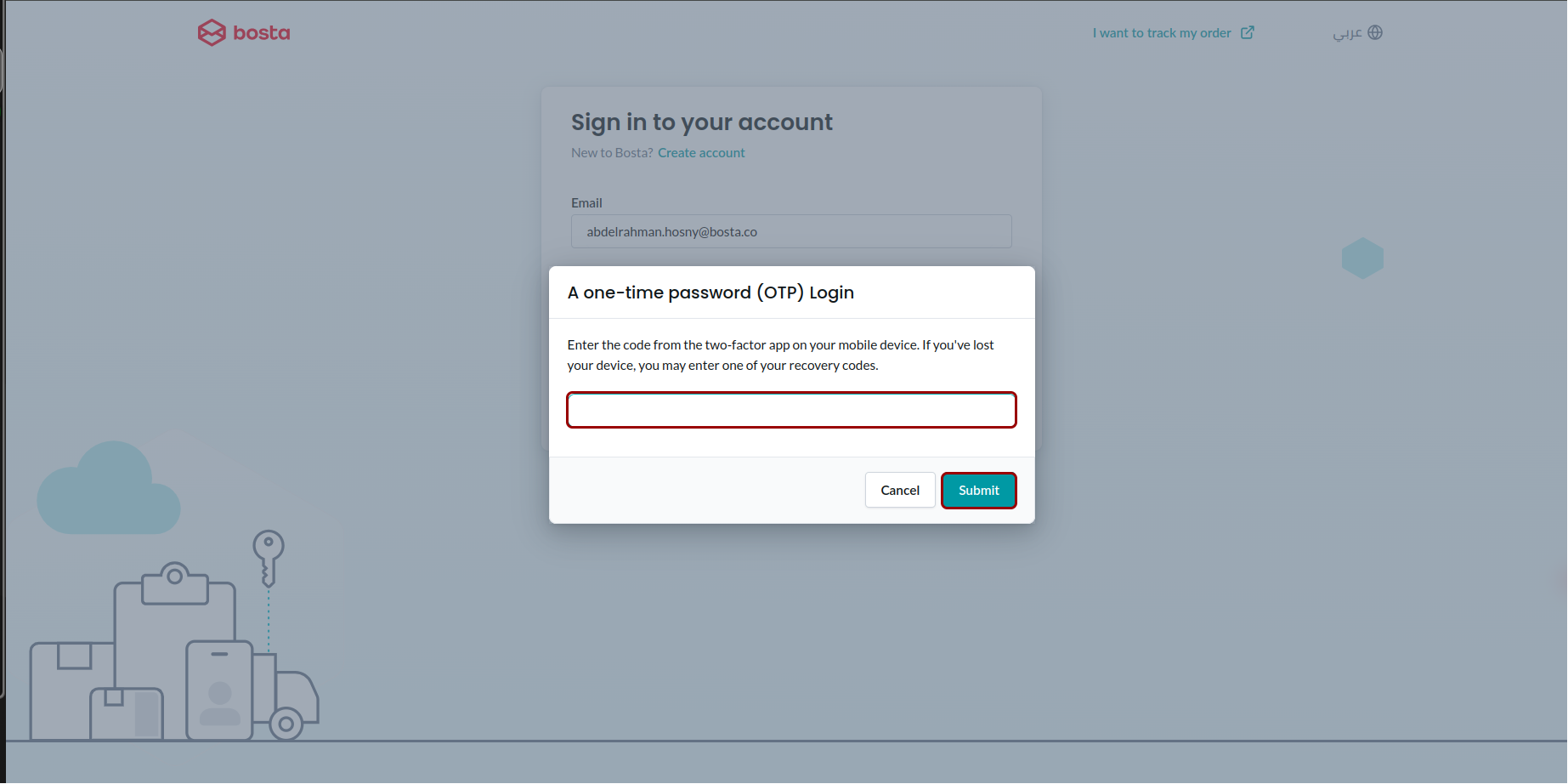
Login with Two-Factor Authentication
How to login using Two-Factor Authentication
1- From the settings page choose Security.
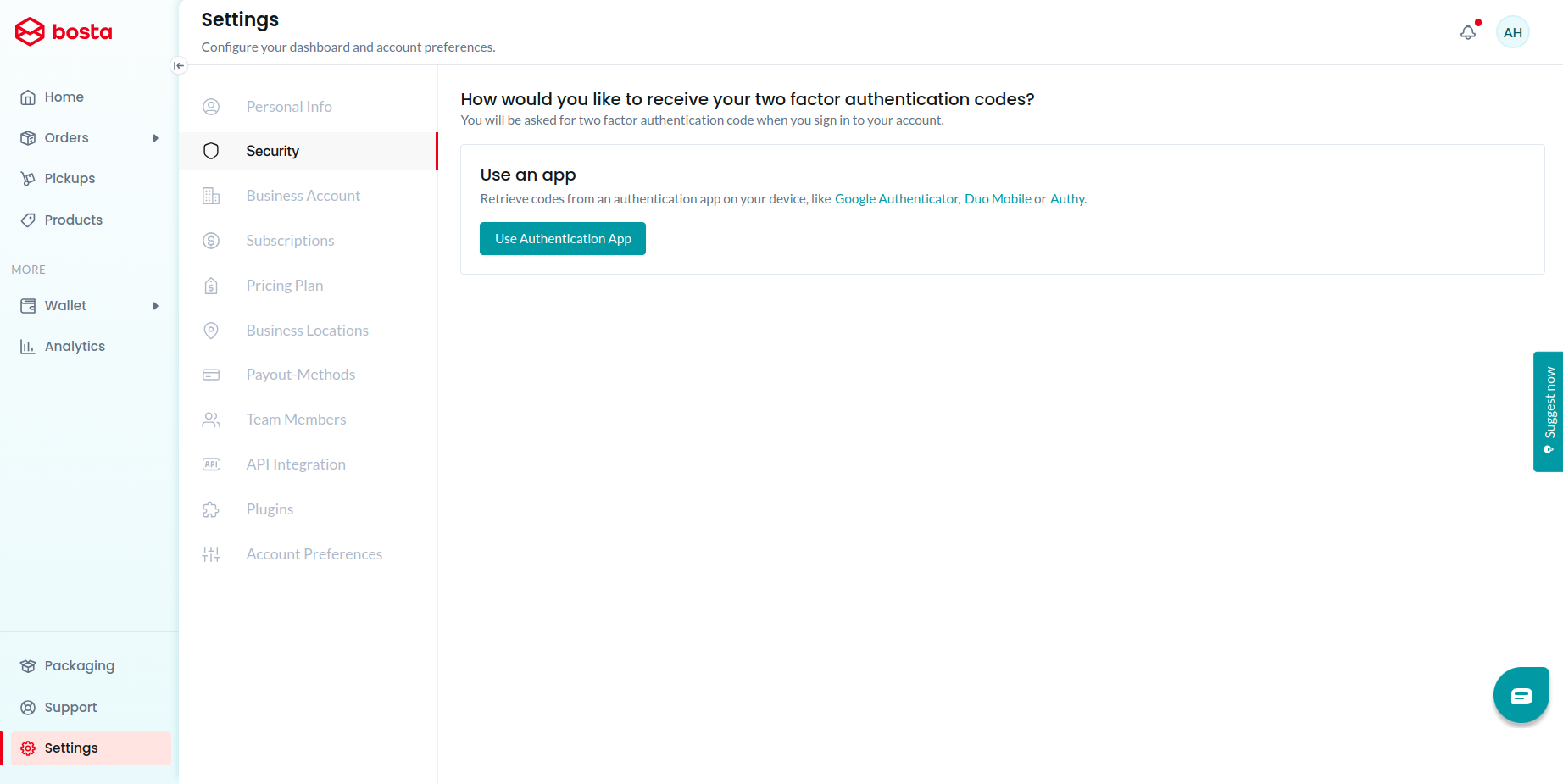
2- Click on Use Authentication App button.
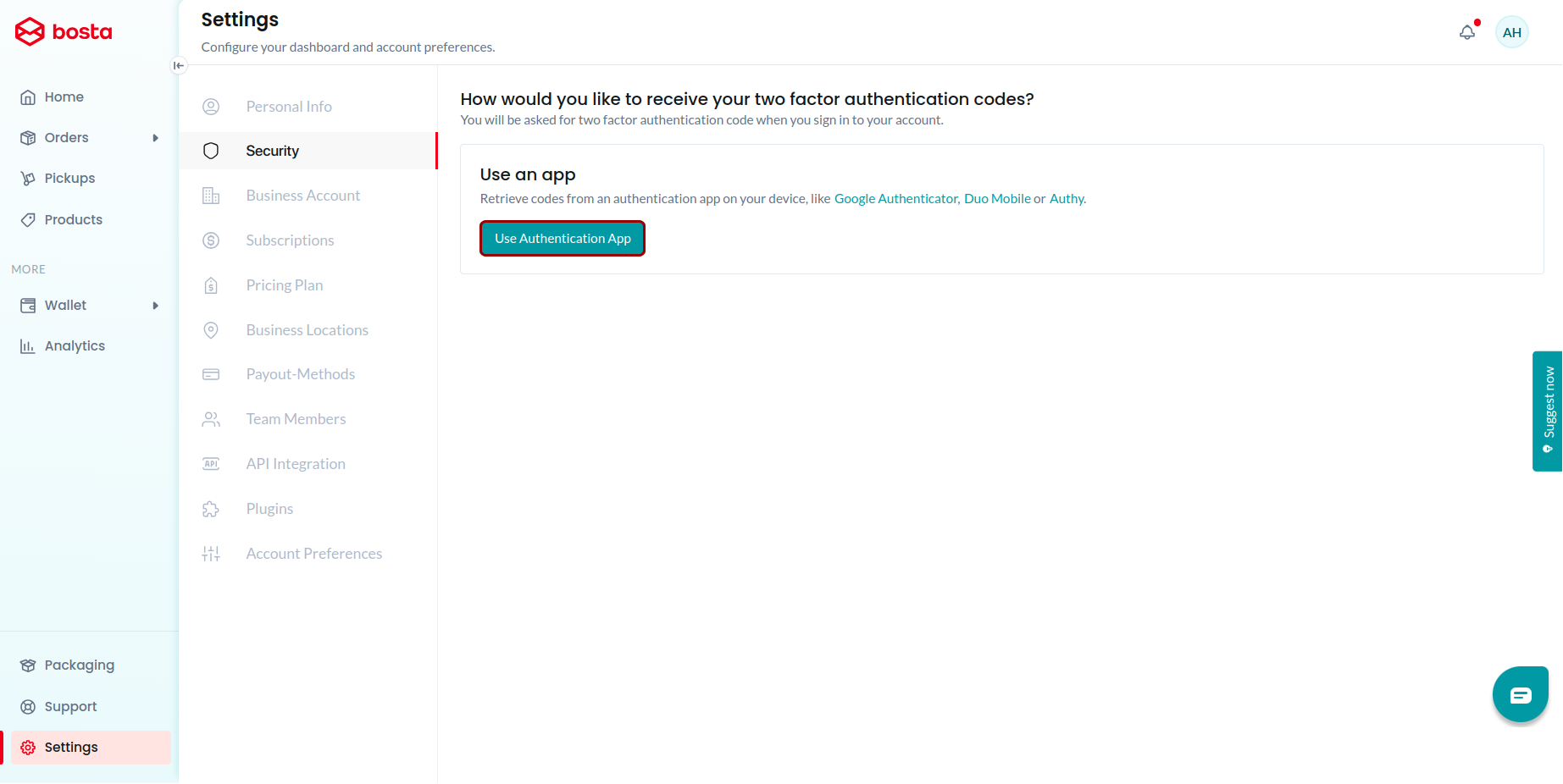
3- Scan the QR Code using your authenticator app like Google Authenticator, Duo Mobile or Authy. Enter the 6-digit code displayed on your device screen, then click Submit.
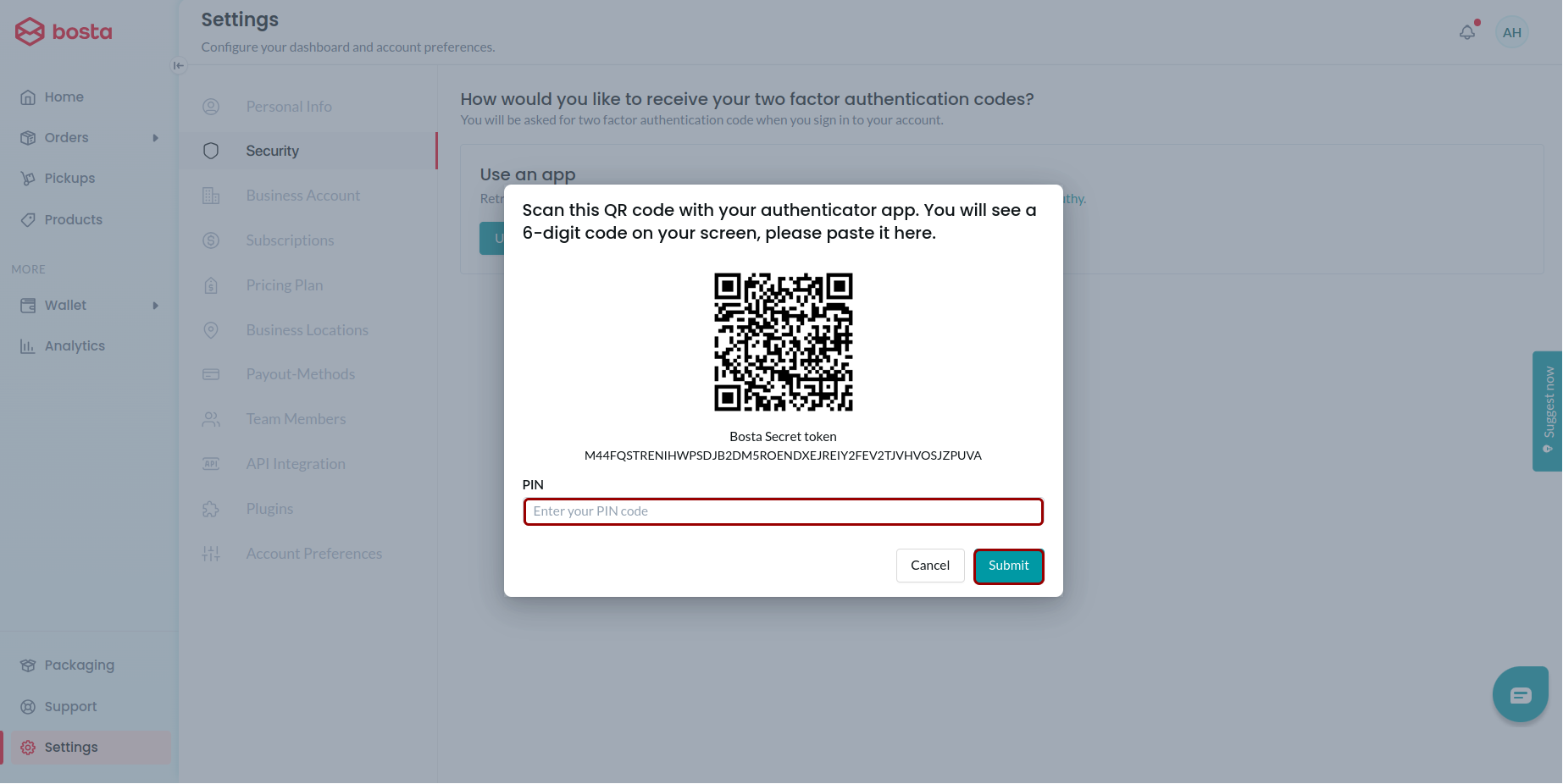
4- You will be prompted to log in again and enter the 6-digit code displayed on your device screen, then click Submit.